


Download Volume Booster APK – volume booster, audio enhancement, sound amplifier, Android app, free volume app
Overview
Volume Booster APK is a lightweight Android application developed by Multimedia star, designed to enhance audio output levels on mobile devices. The app functions as a sound amplifier, allowing users to increase volume beyond standard system limits. It is particularly useful for individuals who experience low audio output from their devices, especially when listening to music, watching videos, or using audio-based applications. The software targets casual users and mobile enthusiasts seeking improved listening experiences without requiring advanced technical knowledge.
While the developer did not provide detailed information about the app’s underlying technology or audio processing methods, it is intended to serve as a simple utility for volume adjustment. Real-world usage scenarios include enhancing audio during outdoor activities, improving clarity in noisy environments, or boosting sound output for small speakers. The app is distributed free of charge and is available through the Google Play Store, indicating a focus on accessibility and broad user reach. Users are advised to avoid running multiple volume booster applications simultaneously to prevent conflicts or audio instability.
Key Features & Capabilities
- Volume Amplification – Enables users to boost audio output beyond default system limits, ideal for improving sound levels on devices with weak speakers.
- Simple Interface – Designed with minimal navigation, allowing quick access to volume controls without complex settings.
- Android Compatibility – Built specifically for Android devices, ensuring seamless integration with the operating system.
- Free Access – Available at no cost, making it accessible to a wide audience seeking audio enhancement tools.
- On-the-Go Usage – Can be used while playing music, videos, or other audio content without requiring device restarts or system modifications.
These features are intended to streamline the audio enhancement process for everyday users. For example, a user watching a movie on a public transport can increase volume for better clarity. Another scenario includes a musician using the app to test audio output during a live performance setup. The app’s simplicity supports quick adoption, though users should be aware that excessive amplification may lead to audio distortion, as noted by the developer.
User Interface, Workflow & Performance
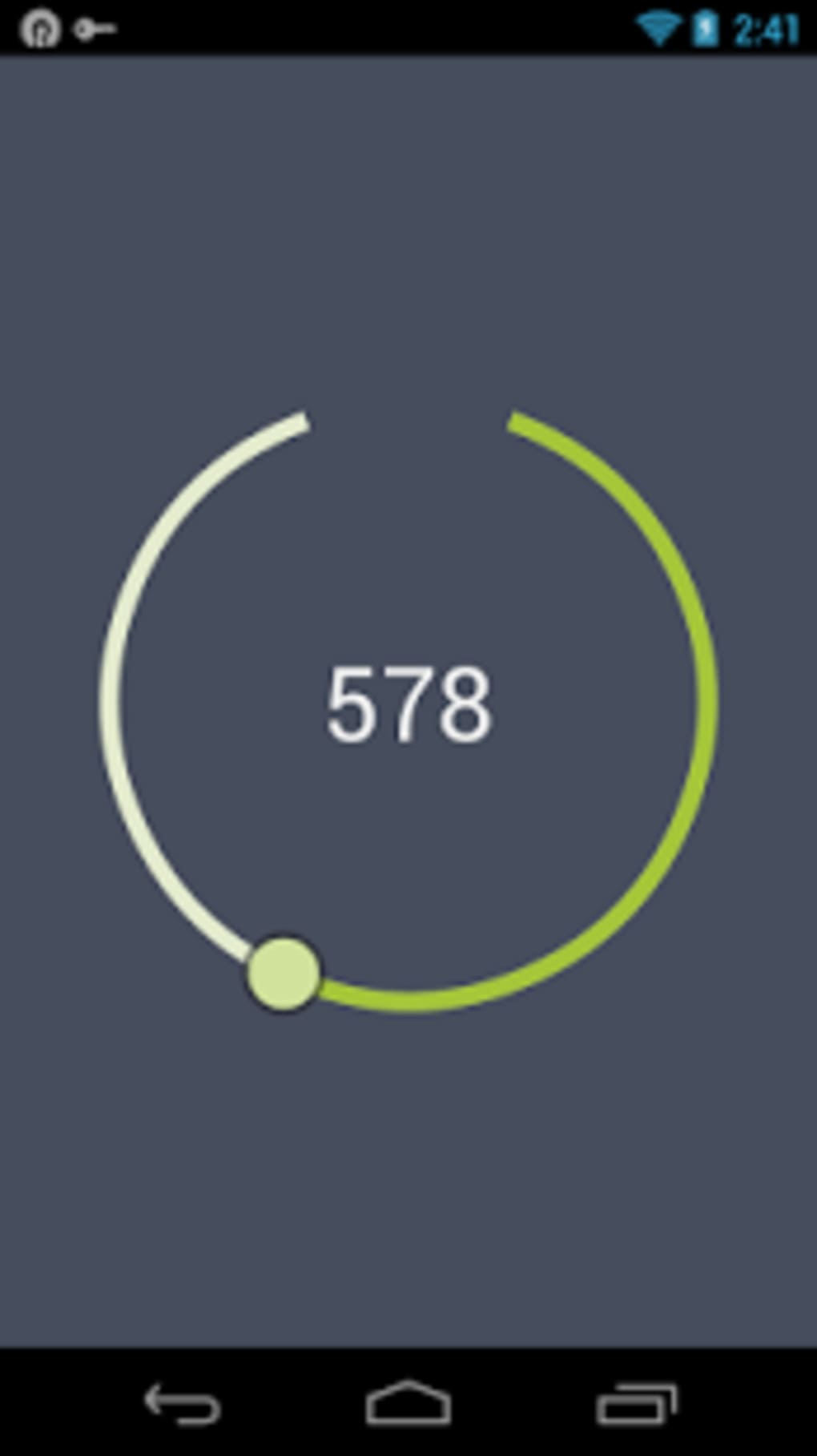
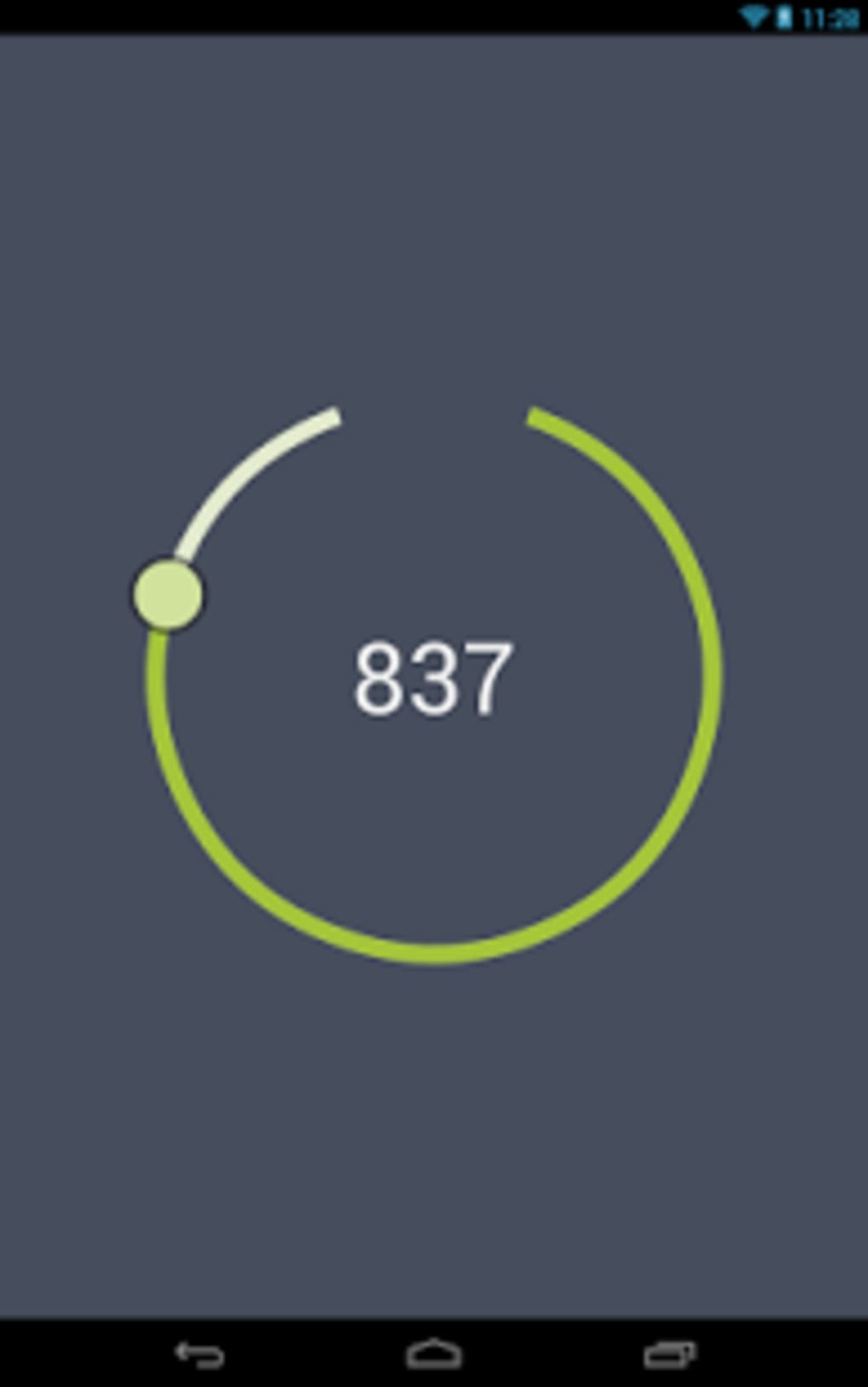
The user interface of Volume Booster APK is described as straightforward, with a focus on ease of access and minimal interaction. Navigation is likely limited to a single control panel where users can adjust volume levels using a slider or preset options. The workflow is designed to be intuitive, requiring no setup or configuration steps, which benefits users seeking immediate results.
Performance details were not specified by the developer. General software behavior patterns suggest that the app operates in the background while audio is active, consuming minimal system resources. The developer did not provide information on CPU or RAM usage, nor did they confirm stability under prolonged use. However, since the app is lightweight at 2.1 MB, it is expected to have a low impact on device performance. Users are advised to monitor audio quality when using the app at maximum levels, as distortion may occur.
Compatibility & System Requirements
Volume Booster APK is designed for Android operating systems. The app is compatible with devices running the specified version, though the exact minimum OS requirement was not provided. Installation size is listed at 2.1 MB, indicating a compact footprint suitable for devices with limited storage space.
The developer did not specify hardware requirements or detailed compatibility information. As such, users should rely on general Android device capabilities when determining suitability. The app is distributed via the Google Play Store, which typically enforces basic compatibility checks during installation. No information was provided regarding support for tablets, wearables, or other Android-based devices.
Pros and Cons
Pros
- Free to download and use, eliminating cost barriers for users.
- Lightweight at 2.1 MB, minimizing storage impact.
- Simple interface suitable for non-technical users.
- Designed for immediate use with no setup required.
- Available on the Google Play Store, ensuring a secure distribution channel.
Cons
- May cause audio distortion when volume is pushed too high.
- No detailed system requirements or compatibility specifications provided.
- Performance and resource usage details were not disclosed.
- Running multiple volume apps simultaneously could lead to instability.
- Does not offer advanced audio customization or equalizer settings.
FAQ Section
Is Volume Booster APK safe to use on Android devices?
The app is distributed through the Google Play Store, which provides a secure environment for app distribution. However, users should ensure they are not running other volume-enhancing applications simultaneously to avoid potential conflicts or audio issues.
Can I use this app offline?
Yes, Volume Booster APK does not require an internet connection to function. Once installed, it operates independently of online services.
Does the app require root access?
The developer did not specify whether root access is required. Based on the app’s description as a simple utility, it is likely designed to work without root privileges.
How often are updates released?
The current version is 1.0.2, released on April 2, 2024. No information was provided about update frequency or future development plans.
Is there a license or subscription model?
Volume Booster APK is free to download and use. There is no indication of a subscription or in-app purchase model at this time.
Final Thoughts
Volume Booster APK offers a no-frills solution for users seeking to amplify audio output on their Android devices. Its lightweight design, free access, and straightforward interface make it accessible to a broad audience. While it lacks advanced features such as equalization or customization, it fulfills its core purpose effectively for basic volume enhancement. The absence of detailed system requirements and performance data limits deeper evaluation, but the app’s simplicity and availability through the Google Play Store add to its credibility.
Users who prioritize ease of use and immediate audio improvement will find this app beneficial. However, caution is advised when increasing volume to maximum levels, as audio distortion may occur. For those looking for a simple, free tool to boost sound output, Volume Booster APK presents a viable option.
Download Volume Booster APK now






.png)
